


I’ve been using Perplexity a lot lately. For one, I’ve swapped out ChatGPT for Perplexity for studying and research, which was a smart move given how much better it is. But Perplexity is not just a search engine; it can act almost like a brain extension…if you set it up and prompt it correctly.
Prompt engineering and AI customization is a whole topic of its own - not all of us have the time or know-how to perfect it. But Perplexity kind of solves this issue with its Spaces template collection. I only discovered these templates a few weeks ago when I was poking around the app. Keep in mind, I’m not paying for a subscription and am only working with the free offerings here.
What are Spaces templates in Perplexity?
The AI is already set up for you
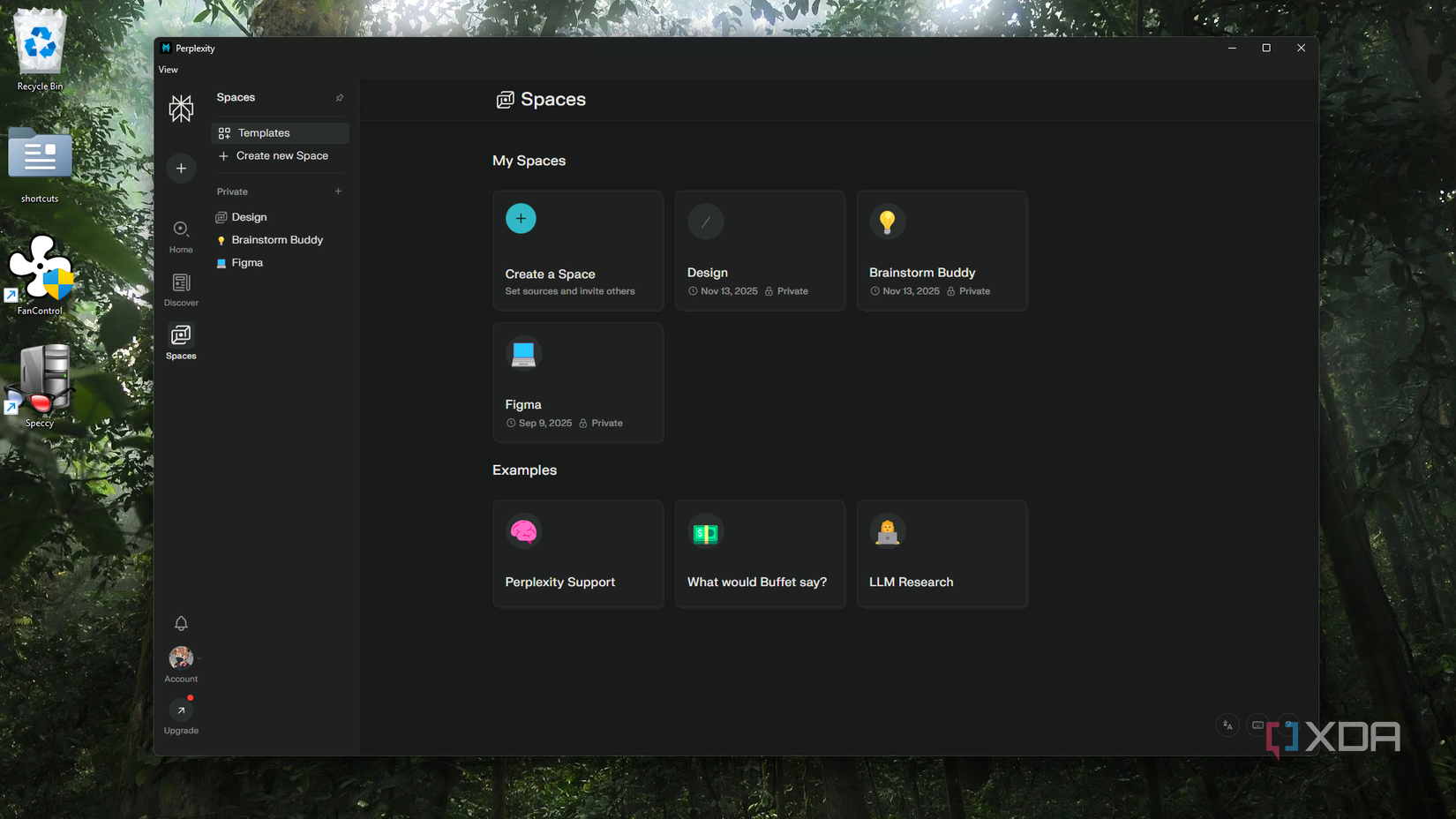
Spaces are Perplexity’s version of workspaces, where you can basically sort and categorize your threads into their respective topics. If you’ve ever created a space, you’d have seen the little customization options right above the text bar - these are the Context settings. Here, you can add detailed descriptions to instruct Perplexity on how to behave and relay information to you. You can also add files and links to reference.
In the Spaces panel, you’ll see Templates at the top, which will direct you to a list of categorized options. What these templates do is fill out the Context settings for you, so it pre-instructs Perplexity based on what you’re looking for. And this ultimately personalizes the outcome of the interactions you have with the AI. There are a couple of templates I’ve added to my kit which massively improved my Perplexity experience.

Brainstorm Buddy
Get inspiration and spark new ideas
Brainstorm Buddy is all about getting new ideas and expanding on existing ones. It’s set up to listen to your initial concept, then gives you some positive feedback, constructive criticism, and new ideas. Brainstorm Buddy can be used by anyone regardless of the field they’re in. It’s perfect for all types of creatives - writers, designers, artists - as well as entrepreneurs, students, and educators. I’m, of course, using it for more creative angles, such as getting unique perspectives and plot twist ideas for my stories.
This template does exactly what it sounds like - it helps you brainstorm. Basically, it still leverages Perplexity's search engine capabilities but brings an imaginative edge to whatever you’re working on, encourages creative thinking, and offers fresh perspectives. Here, I asked for a couple of psy-thriller plot twist ideas that challenge the conventional tropes of this genre. It gave me three ideas, two of which were pretty unique, in my opinion, and I hadn’t thought of before. This template is a must-have for anyone who creates something every day, whether stories, products, or courses.
Website Scanner
Narrow down your resources
Website Scanner works similarly to a site:example.com search in regular search engines. Its Context settings instruct Perplexity to extract information from only the provided websites (you need to add the URL in the Links field). This makes Perplexity crawl those sites for the information you want. To test this, I added XDA to the Links and asked it about self-hosting, since it’s a topic that comprises much of our content here. And it gave me a long list of resources that focused only on this site.
I also wanted to learn more about what the interview process is like for senior UX designers, so I added Reddit to Links, and it extracted some key points that real people discussed on Reddit. Not all of my questions get answered with only site-specific information; Perplexity veers off sometimes, but this is pretty much how other engines do it too. There's even a name for it - clustering. Overall, this is a great way to narrow down my searches to specific websites.

Open Research Explorer
Browse open-access sites
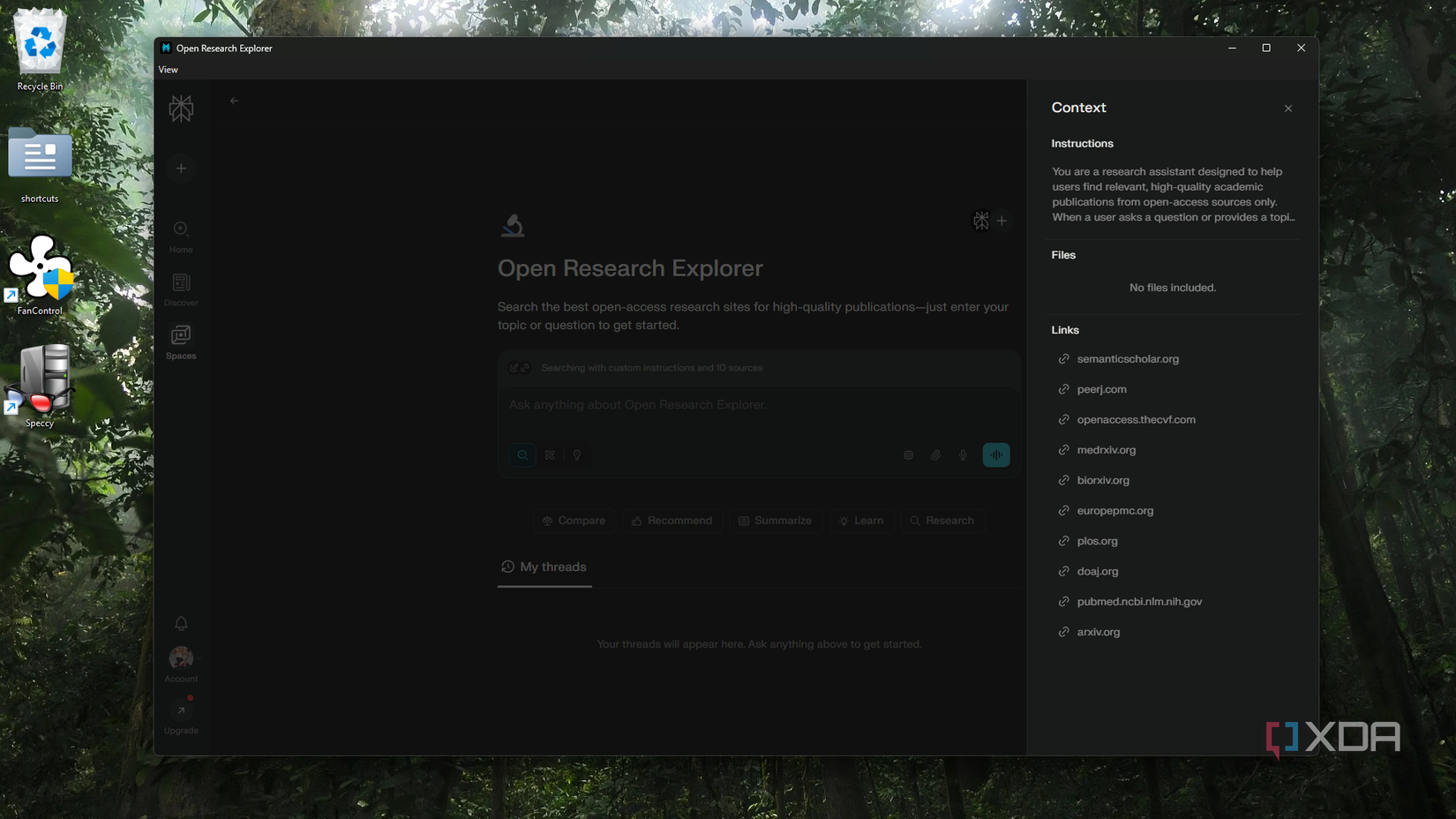
Even as a design student, I don’t really do any research-heavy work. However, I do like to read up on psychology and health, and I don’t just trust any publication - the stuff needs to be peer-reviewed and evidence-based. So I’m always scouring open-access sites. Perplexity’s Open Research Explorer template consolidates all the major ones for you - DOAJ, PubMed, medRxiv, and so on. And the customization instructs Perplexity to “help users find relevant, high-quality academic publications from open-access sources only.”
Every prompt I enter here will only pull information from these open sites, so I can be rest assured that the answers are rooted in legitimate scholarly research and academic content. This has been great for looking up medications, psychological treatments, and so on.
Personal Growth Coach
Leveraging AI for self-betterment
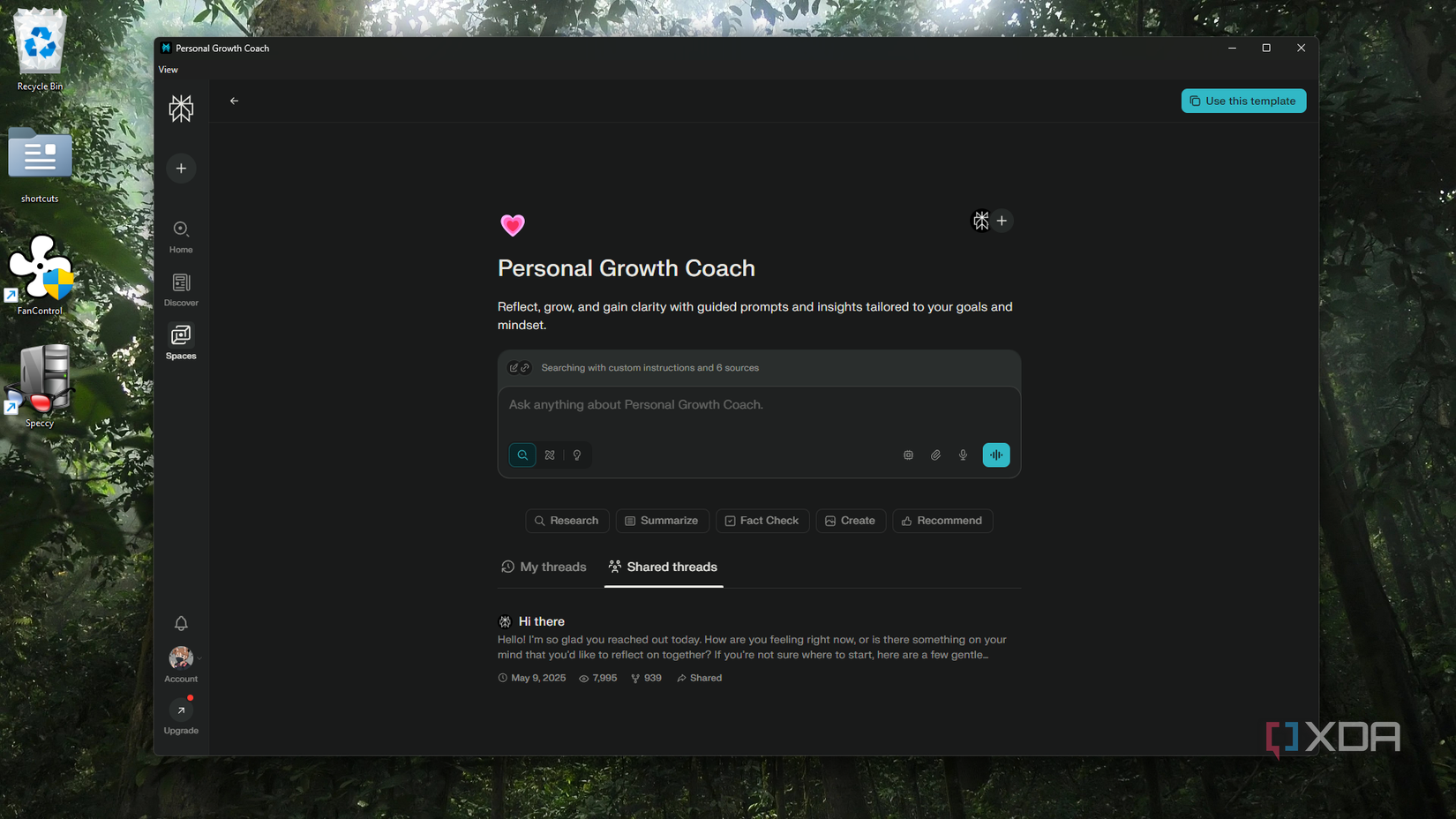
This template was a really good find and I recommend it to anyone who’s into journaling, mental health improvement, and things of that nature. It starts you off with a shared thread that asks how you’re feeling and what you’d like to reflect on. The Context settings are preloaded with links to sites like Mindful and PsychologyToday. It basically gives the AI a "therapeutic" lens, so it responds in a way that’s grounded and actually useful.

Fine-tuning Perplexity with templates
Personally, I opt for convenience wherever I can. So having these templates ready and loaded for me to have customized interactions with Perplexity has been quite a game-changer. There are way more options beyond what I've covered here, ranging from serious research and finances to team wikis and citation generators. You can always edit and iterate on their instructions in the Context window if you want them to be even more specific.
